
Work a live NOC for a week.
Kraken Communications is a fictional managed service provider that runs Rapax 2.0 under its own brand, Kraken Online. Sign in as one of its NOC engineers, work real outages on demo networks, and see for yourself that the software is real.
A fictional MSP, running real software
Kraken Communications monitors several customers’ networks from one Rapax system: sites, devices, links and services, each customer in its own view. The company, its customers and the network are demo data. The software is Rapax 2.0, the same release we deliver, with Kraken’s logo, colors and name on every screen.
That is the point for MSPs and resellers: everything you see could carry your brand instead.
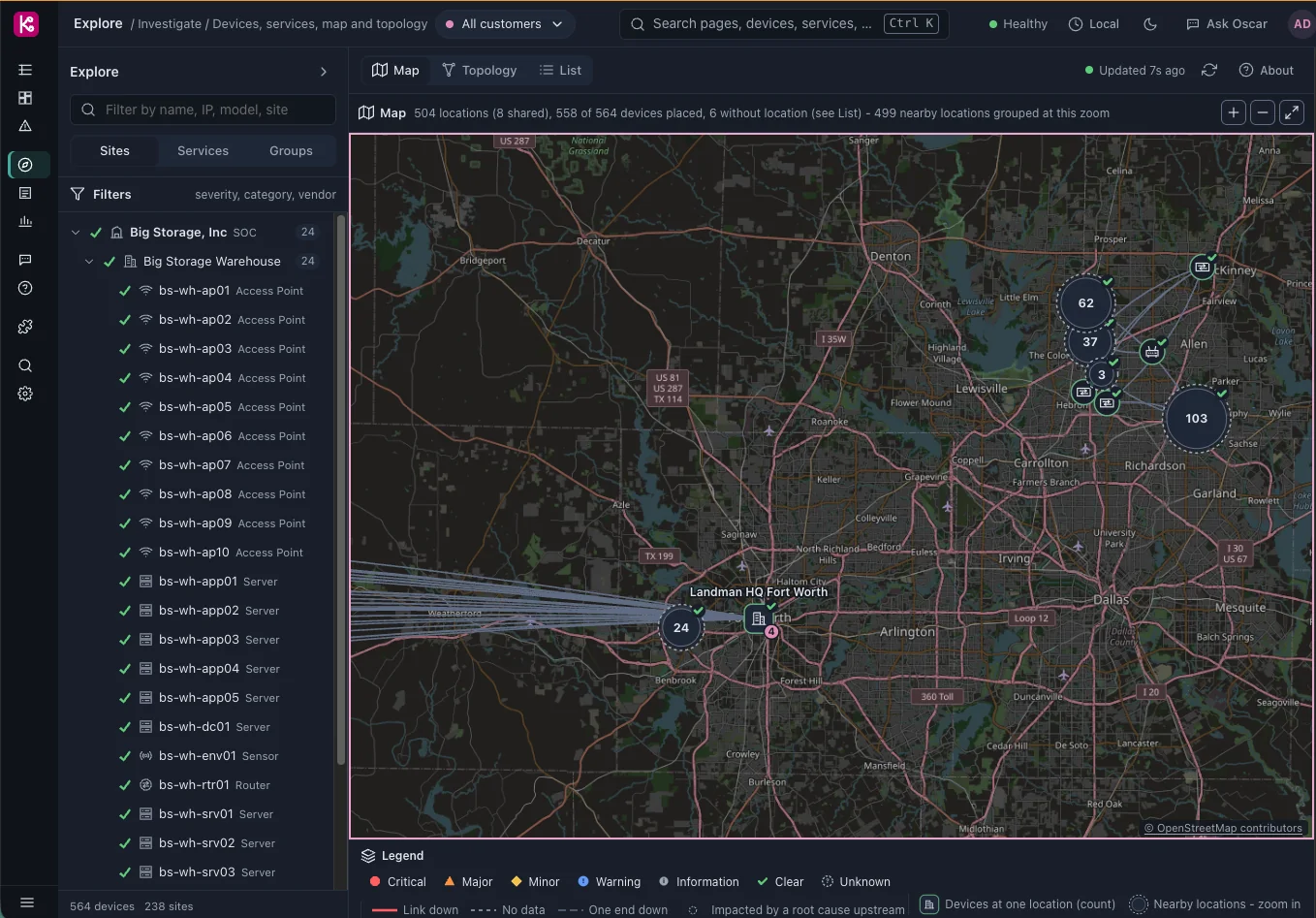
One for Kraken’s NOC, one for Kraken’s customers.
You get to use both, so you see the whole loop: a customer reports a problem, the NOC works it, the customer hears back.
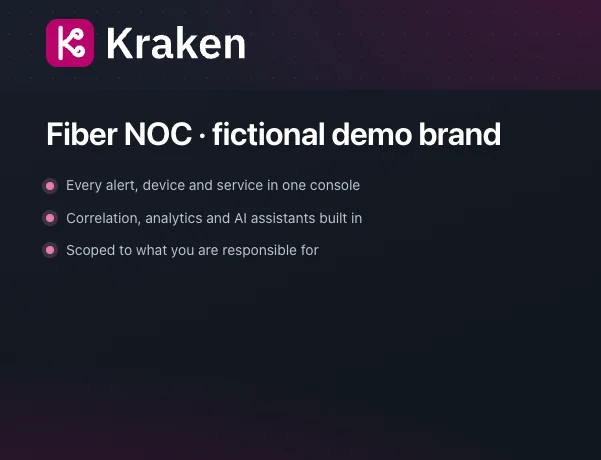
Kraken Online
try.k4n.ioThe NOC console. Alerts, correlation and root cause, topology and map, tickets, SLA and post-mortem reports, and the AI assistants. You sign in as a Kraken NOC engineer with the credentials we email you.
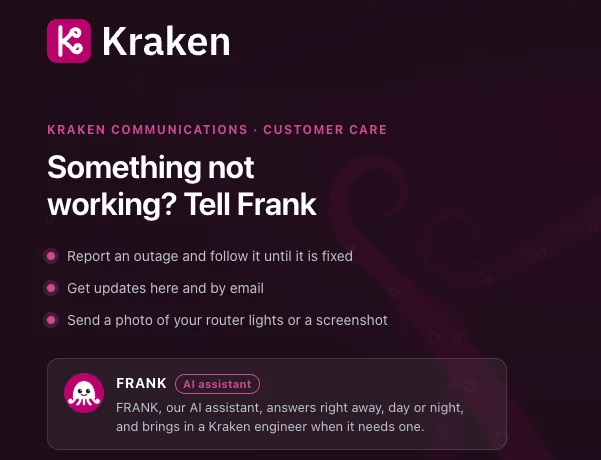
Kraken Care
support.k4n.ioThe customer support portal. Register as one of Kraken’s customers, report an outage, send a photo of your router lights, and see FRANK, the AI assistant, answer first and bring in a Kraken engineer when it needs one.
Six things to try in your week.
Request access
Fill in the form below. We email your Kraken Online credentials, usually within one business day.
Become a Kraken customer
Register a new account at support.k4n.io, as if you were one of Kraken’s customers.
Approve yourself
Sign in to try.k4n.io as a Kraken NOC engineer and approve the registration you just made.
Report a problem
Back in the portal, tell FRANK something is down. Then watch the ticket arrive on the NOC side and answer it.
Work the outage
Every hour, on the hour, part of a demo network breaks. It clears at :15. Find the root cause, see which customers and services are affected, and ask Oscar what is happening.
Look back
Open the post-mortem, the SLA view and the chronic report. The playground keeps 30 days of history, so there is always something to review.
Hundreds of devices, already wired up
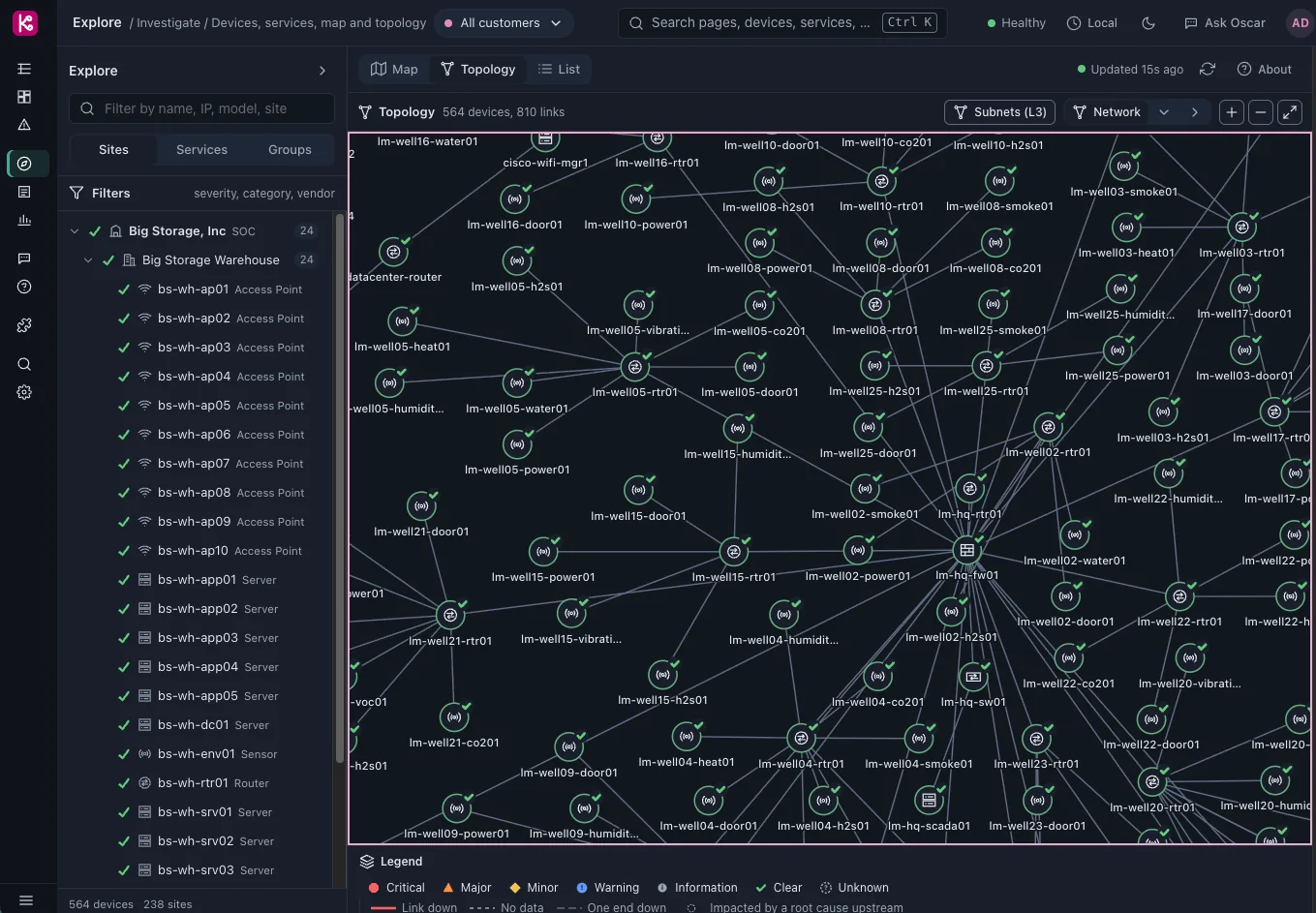
The playground runs several demo networks at once: fiber access, enterprise sites, servers, sensors and the links between them. Topology, correlation and service impact are already built, so you start at the part that matters: what broke, who is affected and what to do.
Before you sign in.
Is this the real software?
Yes. It is Rapax 2.0 as we ship it, white-labeled as Kraken Online. Only the company, its customers and the network are made up.
Is it shared?
Yes, with other visitors this week. Please don’t enter real customer data or anything confidential.
What can’t I do?
Administration is switched off: users, branding, integrations and system settings. To see those, or to connect your own devices, request the free 14-day evaluation, which gives you your own hosted system.
When does it reset?
Every Friday at 5 PM Central. Accounts, and anything visitors entered, are cleared; the last 30 days of network history stay. Want more time? Reply to your credentials email and we’ll restore your access.
Do I need to install anything?
No. A browser is all you need.
What do you do with my details?
We use them to set up your access and to follow up about Rapax. We log activity in the playground to improve it. See our privacy policy.
Get your Kraken Online login.
For network, IT and operations teams, MSPs and resellers who want to see Rapax working before they talk to anyone.
- One week of access, free
- Credentials by email, usually within one business day
- Use your company email address; we review every request
- Access ends at the Friday reset; reply to the email to have it restored
Request access
Four fields. We’ll email your login.
Ready for your own network?
When you want to connect your own devices, request the free 14-day evaluation: your own hosted Rapax system within two business days.
Request your free evaluationPrefer to talk first? Book 15 minutes or email sales@rapax.si.